Menu bar access
A menu bar icon opens or brings KeyPaste to the front instantly — find, copy, and organize without leaving what you're doing.
The same library you use on iPhone and iPad, in a native Mac window — with menu bar access, drag-and-drop, and iCloud sync.
Download on the App Store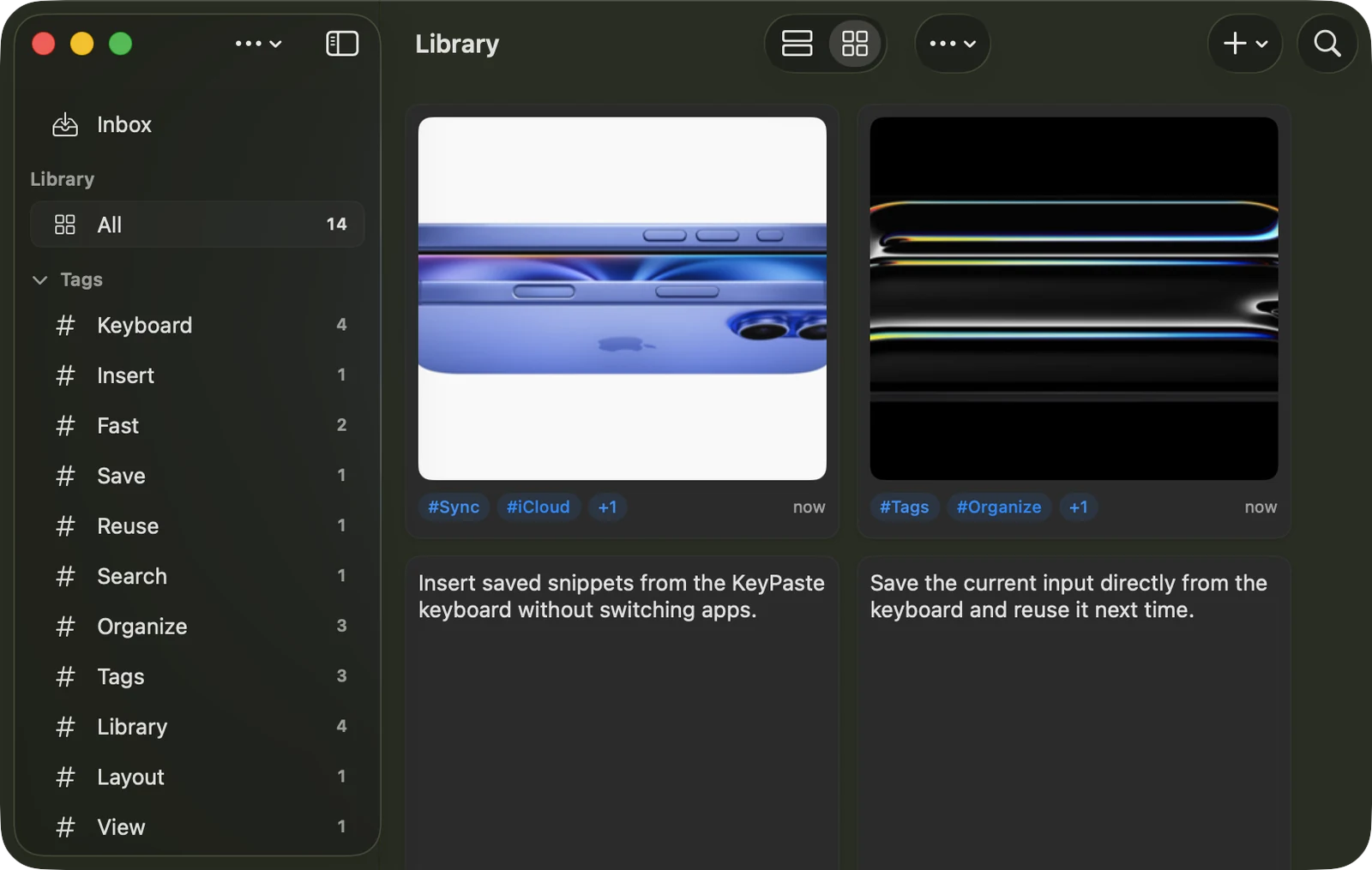
A menu bar icon opens or brings KeyPaste to the front instantly — find, copy, and organize without leaving what you're doing.
A native split window with your Library, Inbox, and tag groups in the sidebar. Single-click to select, double-click or Return to run the main action.
Drag text or images straight into any app; drag an image to Finder to save it as a file. Drop external content in to create snippets or inbox items.
Common commands live in the macOS menu bar, toolbar, right-click menus, and keyboard shortcuts — no touch gestures required.
Snippets, images, files, and tags stay in sync with your iPhone and iPad under the same Apple Account.
Add specific apps to an exclusion list so nothing you copy in them is ever captured. Concealed clipboard content is always skipped.